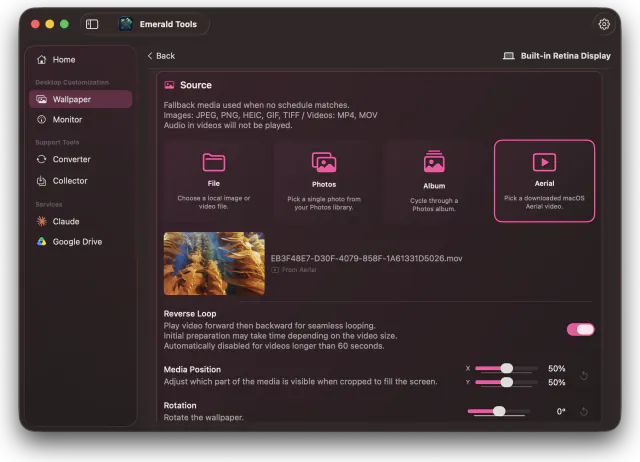
Multi-Monitor Wallpaper
Give every display its own scenery.
- Use images, videos, or Photos albums as wallpapers
- Assign different wallpapers per display
- Switch automatically on a schedule

Emerald Tools
Emerald Tools is a menu bar utility for macOS 14 (Sonoma) or later. Set wallpapers across every display, watch your system vitals, capture and share screenshots, and collect media from the web — without ever cluttering your Dock.

For macOS 14.0 (Sonoma) or later
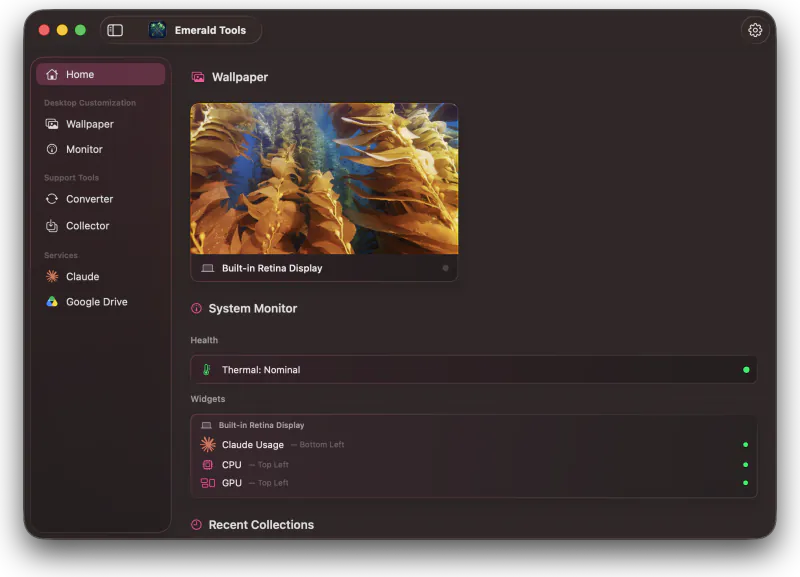

Give every display its own scenery.
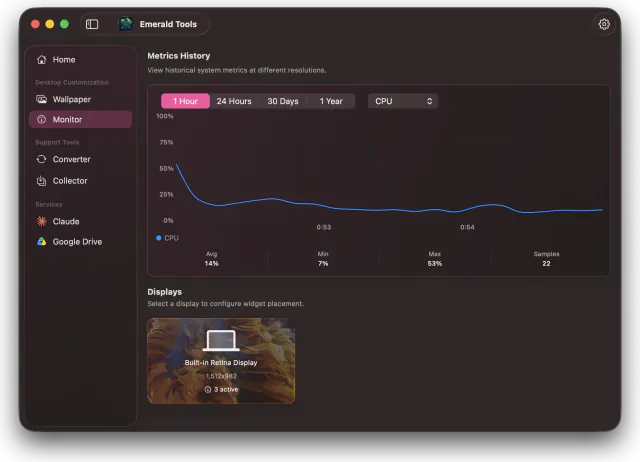
Keep watch over your realm at a glance.
Guide: CPU, GPU, memory and network widgets on your desktop
Guide: your claude.ai 5-hour window and weekly limit as a widget
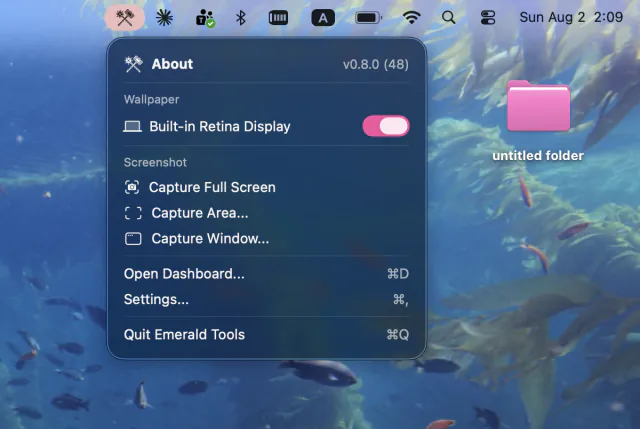
Capture the moment, pass it on.
Guide: screenshots that upload to Google Drive and copy a share link
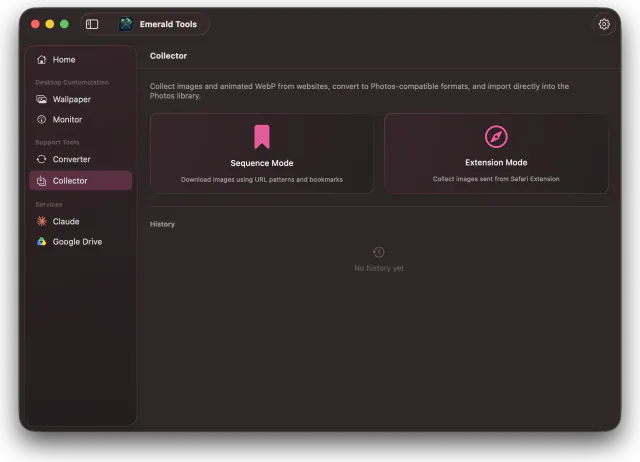
Gather treasures from across the web.
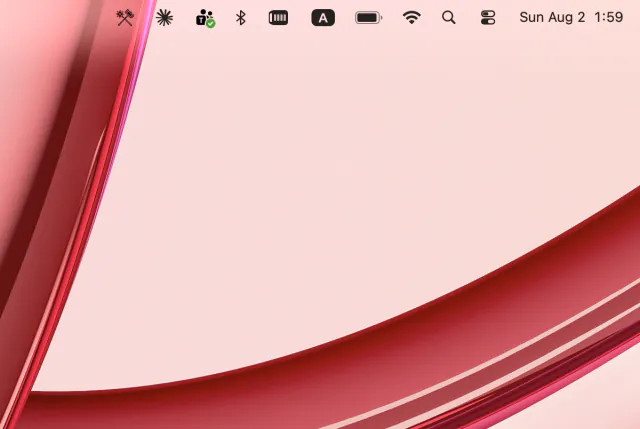
Always at hand, never in the way.
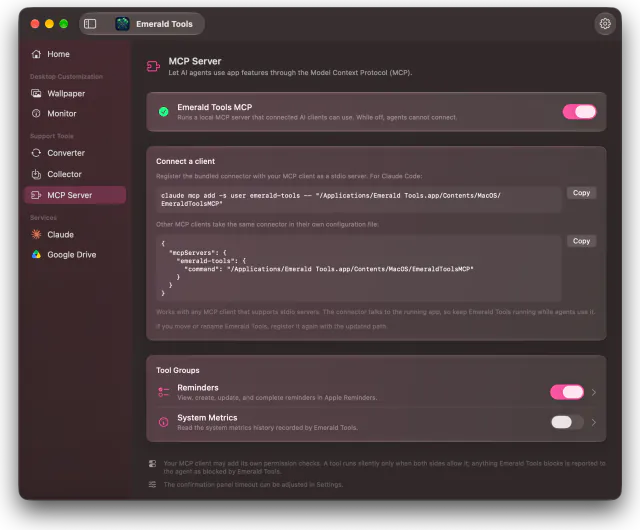
Let an AI agent tend your reminders and mail, under your seal.
Guide: a local MCP server for AI agents on your Mac, with per-tool permissions
Guide: letting an AI agent search your email and prepare replies, while you click Send